
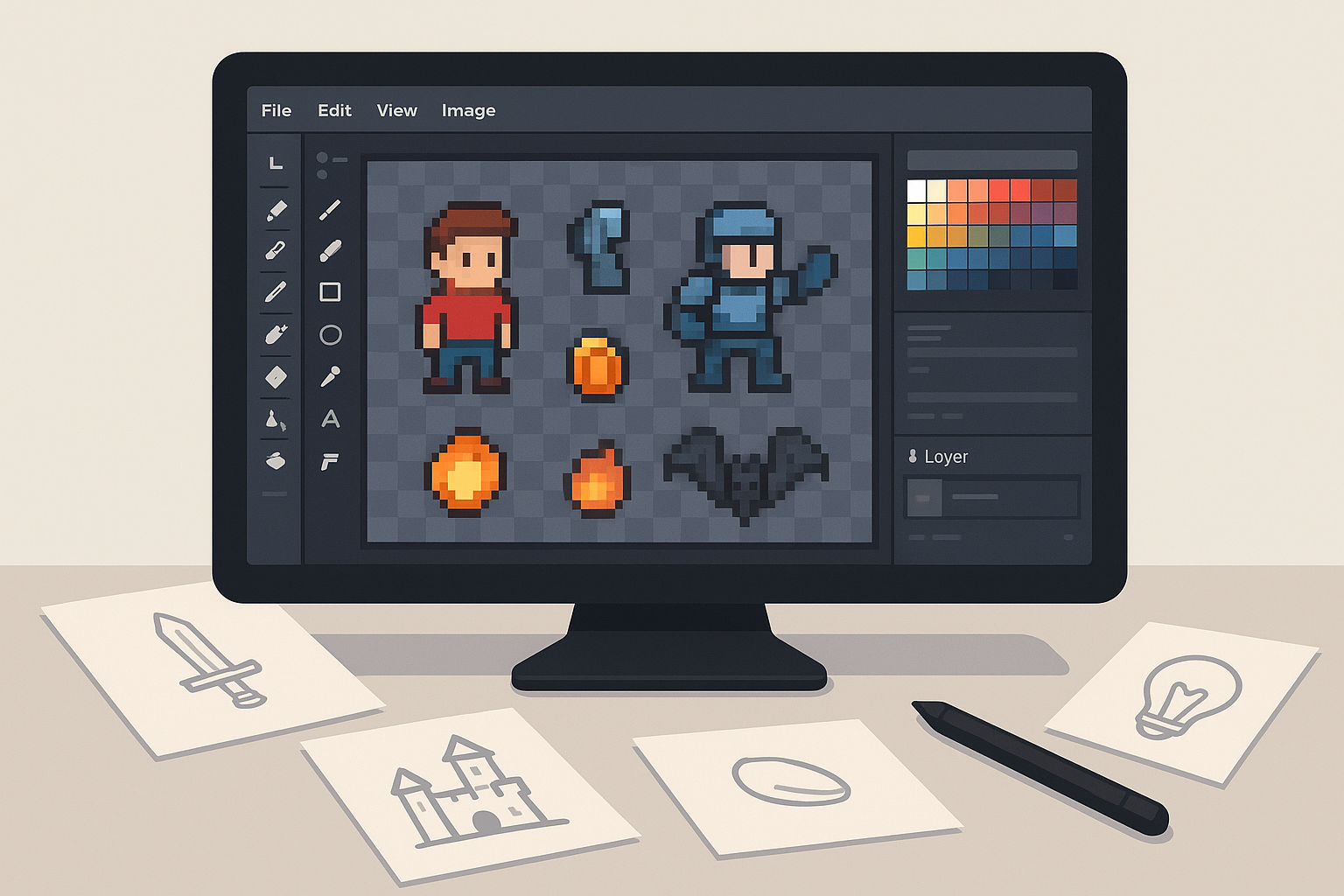
In the fast-evolving world of game development, having the right sprite cutting tools can make a significant difference in your creative workflow. As we approach 2026, developers and artists alike look for software that combines efficiency, precision, and versatility to produce high-quality 2D game assets. Whether you’re working on pixel art, sprite sheets, or complex animations, choosing the right tool is key to bringing your game vision to life.
Why Choosing the Right Sprite Cutting Tool Matters
Sprite cutting tools are vital for developers who need to extract individual sprites or frames from larger images or sprite sheets. This step is crucial for creating smooth animations, optimizing game assets, and managing memory more effectively. Selecting the right tool can save you hours of manual work, minimize errors, and enhance the quality of your final assets.
One key benefit of a good sprite cutting tool is precision. Accurate cuts ensure that sprites align perfectly with your game engine’s specifications, preventing issues during gameplay. Additionally, efficiency plays a significant role—automated slicing and batch processing features can significantly speed up your asset preparation process.
Compatibility is another important factor. The best tools support popular file formats and integrate seamlessly with widely used game engines such as Unity and Unreal. Furthermore, ease of use matters; intuitive interfaces help both beginners and experienced developers work faster and with less frustration.
This is especially true for developers working on tile-based games and pixel art, where precision and simplicity are critical.
In conclusion, selecting the right sprite cutting tool is essential for any game developer who wants to produce polished 2D assets efficiently in 2026. Whether you prefer pixel-perfect editing with Aseprite, automatic optimization with TexturePacker, or a free, versatile option like ShoeBox, there is a tool that fits your workflow and budget.
For more resources and tips, visit SkooledUp.com.