
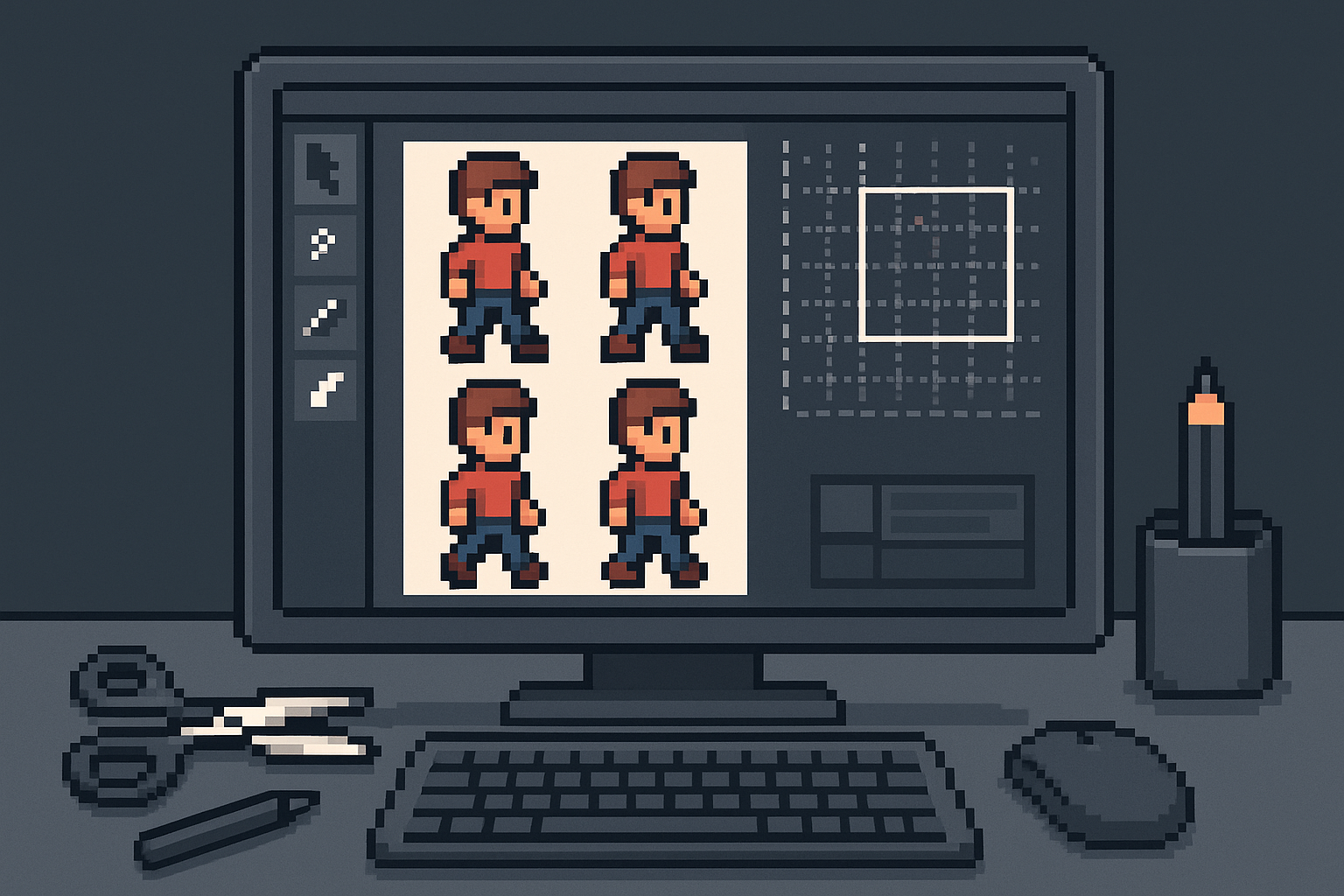
Creating pixel art games requires precision and efficient tools, especially when it comes to handling sprites. In 2026, sprite cutting tools for pixel art games have become more advanced, making the process smoother and more accessible. Whether you are a beginner or a seasoned game developer, choosing the right tool can significantly impact your workflow and final product.
Moreover, if you want to streamline your pixel art game development, using the best sprite cutting tools is essential. In this article, we explore the top sprite cutting tools available in 2026, highlighting their features, benefits, and how they can help you create stunning pixel art games.
What Are Sprite Cutting Tools?
First, let’s clarify what sprite cutting tools are. These are software applications or plugins designed to help developers slice and manage sprite sheets efficiently. Sprite sheets are large images that contain multiple smaller graphics or sprites used in games. Properly cutting these sprites allows developers to animate characters, objects, and backgrounds seamlessly.
In other words, sprite cutting tools automate and simplify the process of dividing sprite sheets into individual assets, saving time and reducing errors.
Why Use Sprite Cutting Tools for Pixel Art Games?
Pixel art games rely heavily on detailed and well-organized sprites. Therefore, using dedicated cutting tools offers several advantages:
- Precision: These tools ensure each sprite is cut accurately without losing quality.
- Efficiency: Automating the slicing process speeds up game asset preparation.
- Organization: They help manage multiple sprites and export them in game-ready formats.
- Compatibility: Many tools support popular game engines, making integration easier.
Because of this, sprite cutting tools have become indispensable for developers working on pixel art games.
Top Sprite Cutting Tools for Pixel Art Games in 2026
To make this easier, here is a curated list of the top sprite cutting tools that stand out in 2026:
1. Aseprite
Aseprite remains a favorite among pixel artists for its comprehensive features tailored to pixel art creation and editing. It includes a built-in sprite sheet cutter that allows you to slice sprites manually or automatically.
Moreover, Aseprite supports animation previews and exporting options compatible with many game engines. Its user-friendly interface and robust community support make it a top choice.
2. TexturePacker
TexturePacker specializes in packing and cutting sprites efficiently. It supports various algorithms to optimize sprite sheets, reducing memory usage in games.
In addition, it integrates well with popular game engines like Unity and Godot, exporting sprites in compatible formats. TexturePacker is ideal for developers looking for performance-optimized sprite management.
3. ShoeBox
ShoeBox is a free Adobe AIR-based tool that offers multiple features including sprite sheet cutting. It is especially useful for developers on a budget who want reliable sprite slicing capabilities.
That said, ShoeBox provides drag-and-drop functionality and batch processing, which saves time when working with large sprite sheets.
4. Pyxel Edit
Pyxel Edit is designed specifically for pixel art and tile-based game graphics. It features easy sprite sheet cutting and editing tools, making it simple to manage animations and tilesets.
At the same time, Pyxel Edit’s intuitive layout helps new users get started quickly, while still offering powerful features for experienced artists.
5. GraphicsGale
GraphicsGale has been a staple in pixel art creation for years. Its sprite cutting feature allows precise slicing and supports frame-by-frame animation editing.
Furthermore, it supports exporting to various formats, including animated GIFs and sprite sheets compatible with game engines.
How to Choose the Right Sprite Cutting Tool
Choosing the best sprite cutting tool depends on your specific needs. For example, consider the following factors:
- Budget: Some tools are free, while others require a purchase or subscription.
- Features: Look for tools that support the file formats and game engines you use.
- User Interface: A clean and intuitive interface can reduce your learning curve.
- Community and Support: Tools with active communities often provide tutorials and troubleshooting help.
Therefore, assess your workflow and project requirements before making a decision.
Tips for Using Sprite Cutting Tools Effectively
To maximize your productivity, keep these tips in mind:
- Organize your sprite sheets: Group similar sprites together for easier cutting.
- Use grid snapping: Many tools offer grid features to help slice sprites evenly.
- Preview animations: Test your sprites in motion to ensure cuts align properly.
- Export in correct formats: Match your game engine’s requirements to avoid compatibility issues.
- Backup your files: Always keep original sprite sheets safe before cutting.
Conclusion
In summary, sprite cutting tools for pixel art games in 2026 provide essential functionality for game developers. From Aseprite’s all-around capabilities to TexturePacker’s optimization focus, there are excellent options available for every budget and skill level.
Also, using the right tool can improve your workflow, enhance sprite quality, and speed up your game development process. For more insights on pixel art and game development tools, visit AI Posts, AI SEO & AI Analytics By SKP | Skooledup.com.
Start exploring these tools today to create your next pixel art masterpiece!