
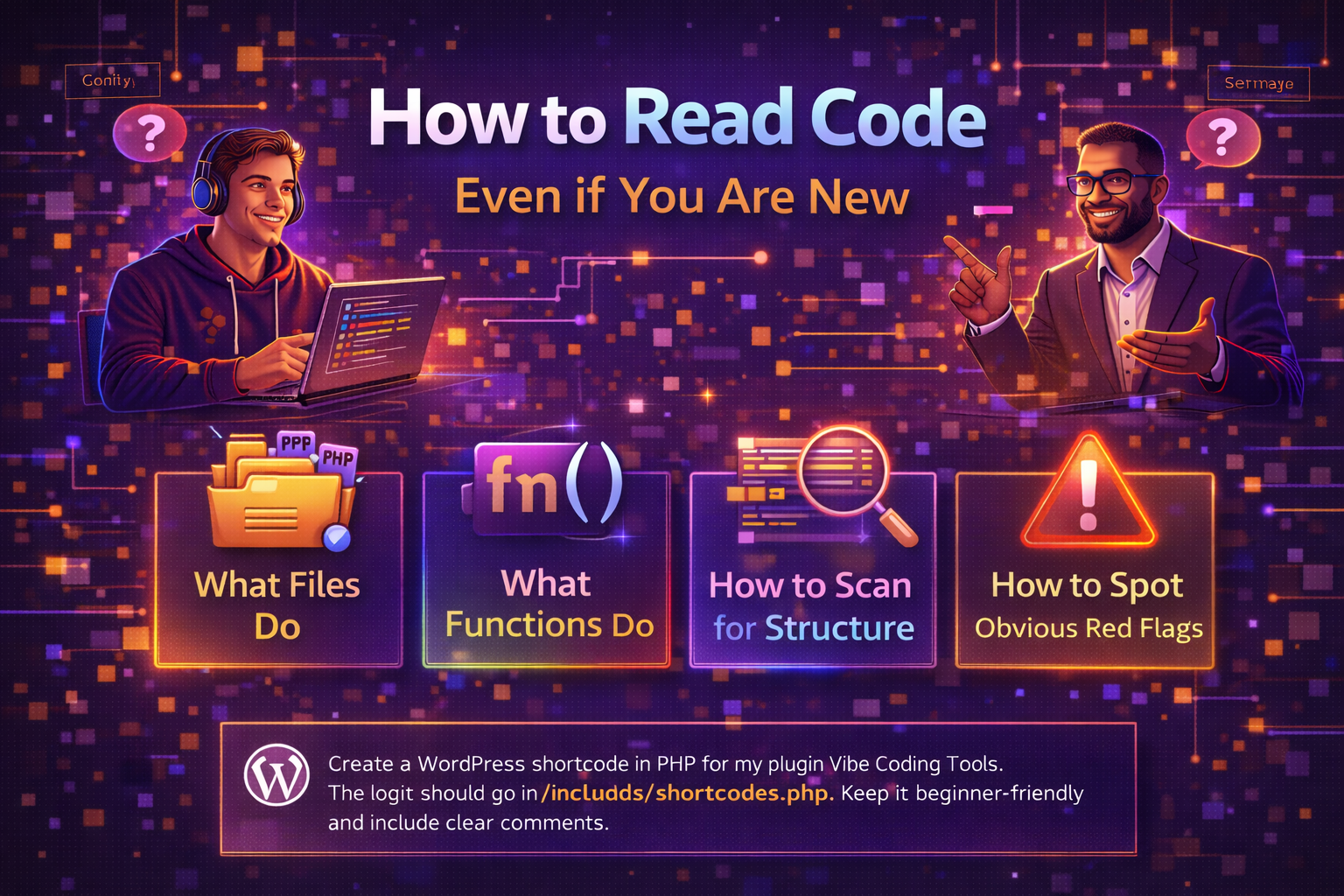
One of the biggest mistakes beginners make is assuming they need to understand every line of code before they are allowed to work with it.
That is not true.
You do not need to read code like an expert on day one. You just need to learn how to look at it the right way.
That is a big difference.
Reading code is not about instantly knowing everything. It is about learning how to recognize what kind of file you are looking at, what the main parts are doing, how the structure is organized, and where obvious problems may be hiding.
Once you understand that, code becomes much less intimidating.
You Do Not Need to Read Every Line Perfectly
A lot of beginners open a file, see a wall of text, and immediately feel lost.
That is normal.
However, the goal is not to understand every symbol all at once. The goal is to start reading code in layers.
For example:
-
first, identify the file type
-
then, look for the main structure
-
then, find the important functions
-
then, scan for what those functions seem to do
-
then, look for anything that seems broken, unsafe, or confusing
This is much easier than trying to understand every single character in order.
Good builders do not always read code line by line first.
They often scan it first.
Start by Understanding What Files Do
One of the easiest ways to feel less overwhelmed is to ask a simple question:
What is this file for?
Different files usually have different jobs.
For example:
PHP files
These often handle logic, database actions, form processing, permissions, shortcodes, plugin behavior, or backend functionality.
JavaScript files
These often control front-end actions, button clicks, dynamic updates, AJAX calls, form interactions, and UI behavior.
CSS files
These control styling, layout, spacing, colors, fonts, buttons, and responsive design.
HTML or template files
These usually control what is displayed on the page and how the visible structure is laid out.
SQL-related code
This usually deals with database tables, inserts, updates, deletes, and queries.
So before you panic, ask:
-
what kind of file is this
-
what job is this file supposed to do
-
is this about design, behavior, logic, or data
That simple step creates a lot more clarity.
Then Look at What Functions Do
Once you know the file type, the next step is to look for functions.
A function is usually a block of code that performs a specific job.
For example, a function might:
-
save form data
-
display a dashboard
-
register a shortcode
-
validate a user
-
process a payment
-
fetch database results
-
send an API request
You do not need to fully understand the whole function at first.
Instead, ask:
-
what is this function named
-
what does that name suggest
-
what inputs does it take
-
what does it return or output
-
what big action seems to happen inside it
For example, if you see a function named:save_user_profile_data()
you do not need to guess wildly. The name already tells you a lot. It probably saves user profile information.
That is a good start.
Names matter a lot in code. Even when you do not understand every detail, a good function name often tells you the general purpose.
Learn to Scan for Structure First
This is one of the biggest habits that helps beginners.
Do not start by zooming in too fast.
Start by scanning the structure.
Look for things like:
-
file header comments
-
class names
-
function names
-
hooks
-
conditionals
-
form handlers
-
database calls
-
return statements
-
closing braces
This gives you a map of the file.
Think of it like walking into a building. You do not study every screw first. You look at the rooms, the doors, the layout, and the paths through it.
Code works the same way.
If you scan the structure first, you start noticing:
-
where the file begins
-
where the main logic lives
-
which functions handle which actions
-
where output is displayed
-
where data is saved
-
where decisions are being made
That alone makes code much easier to work with.
Look for Repeated Patterns
A lot of code follows patterns.
Once you start noticing them, things get easier.
For example, you may start to recognize patterns like:
-
ifstatements checking conditions -
functions that begin with
get_,save_,render_, orhandle_ -
arrays used for settings or data
-
hooks like
add_action()oradd_shortcode()in WordPress -
database calls using
$wpdb -
AJAX handlers
-
nonce checks
-
capability checks
At first, these may all look unfamiliar.
Over time, they become landmarks.
That is why repeated exposure matters. You start to realize that a lot of files are not random. They follow patterns you can learn to recognize.
How to Spot Obvious Red Flags
You do not need to be an expert to notice when something looks off.
There are some obvious red flags beginners can learn to watch for right away.
Red flag 1: Function names that make no sense
If names are confusing, inconsistent, or vague, the code may be poorly organized.
Red flag 2: Giant functions that do too much
If one function is huge and seems to handle everything, that often makes code harder to test and maintain.
Red flag 3: No comments where they are clearly needed
Not every line needs a comment. However, if the logic is complex and there is no explanation at all, the file may be harder to work with.
Red flag 4: Direct database actions with no clear validation
If data is being saved, updated, or deleted without obvious checks, that deserves attention.
Red flag 5: Missing security checks
For example, in WordPress, look for things like:
-
nonce checks
-
capability checks
-
sanitization
-
escaping output
If user input is being handled and you do not see those ideas anywhere, be cautious.
Red flag 6: Repeated code everywhere
If the same logic appears over and over, the code may need simplification.
Red flag 7: Random mixed responsibilities
If one file is doing layout, database writes, permissions, API calls, and styling logic all at once, the structure may be messy.
Red flag 8: Made-up looking code from AI
Sometimes AI gives code that looks polished but includes:
-
fake functions
-
vague placeholders
-
wrong file references
-
code that does not match your platform
That is a very real risk.
You do not need to prove every issue instantly. You just need to learn to notice when something deserves a closer look.
Ask Simple Questions While Reading
When reading code, beginners often try to jump straight to advanced conclusions.
Instead, ask simple questions.
For example:
-
what is this file supposed to do
-
what is the main action here
-
where does the user input come in
-
where is data being saved
-
where is output being displayed
-
where are decisions being made
-
what happens if this condition is true
-
what happens if it is false
-
what part looks important
-
what part looks risky
These questions help you stay grounded.
You do not need to know everything. You need to know what you are looking at well enough to move forward.
Use ChatGPT to Help You Read Code
This is one of the best ways to learn faster.
If a file confuses you, paste part of it into ChatGPT and ask:
-
“Explain what this file does”
-
“Walk me through this function”
-
“Tell me what this code is doing in plain English”
-
“What are the risky parts here”
-
“What stands out as messy or unsafe”
-
“Explain this like I am a beginner”
That does not replace your own thinking.
It supports it.
The goal is not to stay dependent forever. The goal is to use AI to help you understand patterns faster so you can become more confident reading code on your own.
You Are Learning to Recognize, Not Memorize
This is important.
Reading code as a beginner is less about memorizing every syntax rule and more about recognizing patterns, structure, and behavior.
You are learning to notice:
-
what kind of file you are in
-
what the main functions are doing
-
where the logic flows
-
where problems may exist
-
what deserves testing or revision
That is a very practical skill.
And it improves every time you do it.
Final Thoughts
You can read code even if you are new.
You do not need to understand every line immediately.
Start by understanding what files do.
Then look at what functions do.
Scan for structure before zooming into details.
Watch for obvious red flags like messy logic, missing checks, giant functions, and confusing structure.
Most of all, remember this: reading code is a skill you build over time.
You are not supposed to master it in one day.
You are supposed to get a little better every time you look.
And that is exactly how real builders grow.
If you want, I can write the matching image lesson prompt for this one next.