
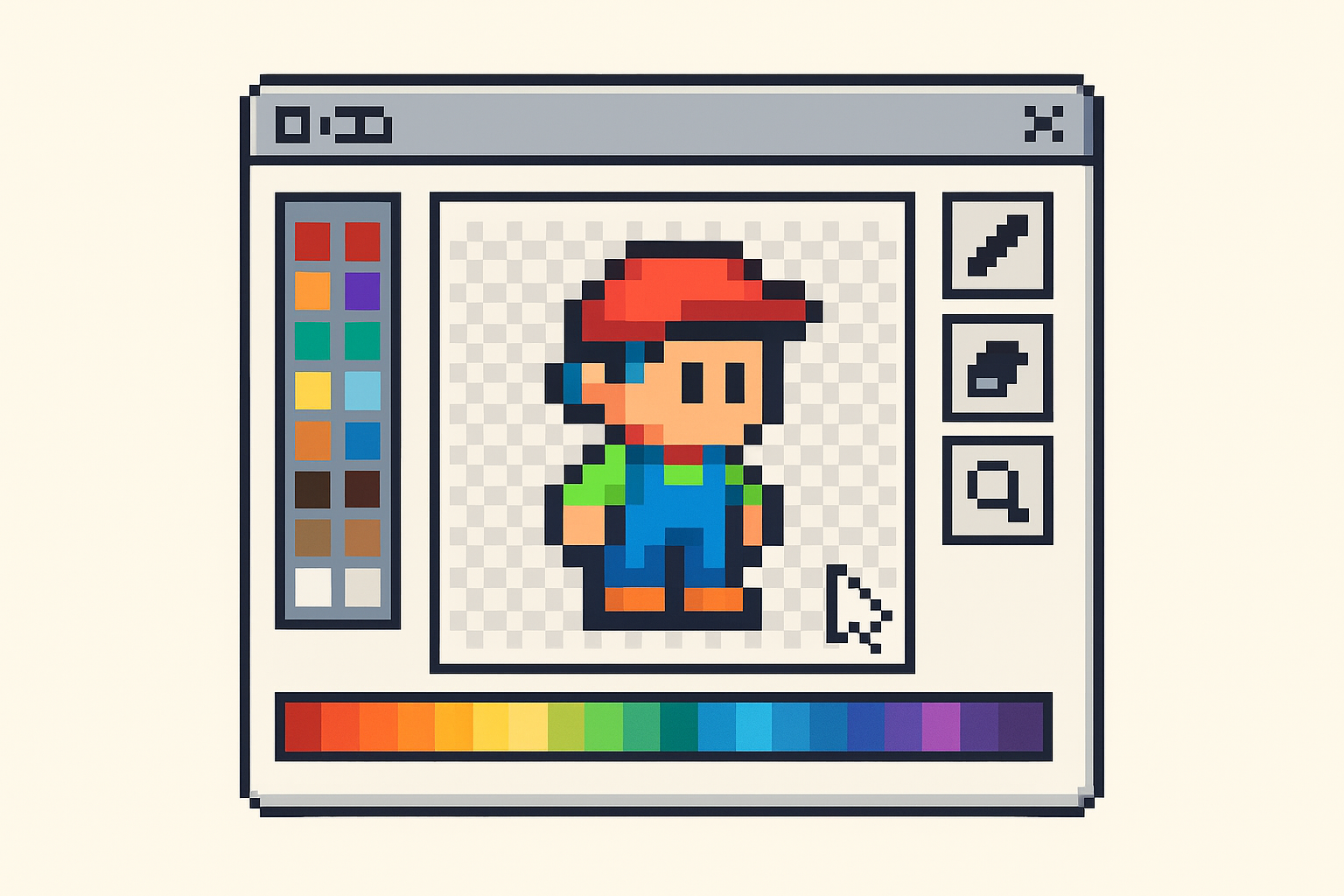
If you’re new to game development or digital art, finding the right sprite maker software for beginners can be a game-changer. Sprites are the pixel-based characters, objects, and elements that bring 2D games to life. Whether you want to design your own game characters or simply explore pixel art, choosing beginner-friendly software is essential.
In this guide, we’ll explore some of the best sprite maker tools tailored for beginners. We’ll cover key features, usability, and tips to help you start creating your own sprites with confidence.
What Is Sprite Maker Software?
Sprite maker software is a type of digital art tool designed specifically to create and edit sprites—small bitmap images used in video games and animations. These programs usually offer pixel-level editing, animation capabilities, and an intuitive interface to streamline the creative process.
For beginners, the best sprite maker software balances powerful features with ease of use. It allows users to focus on creativity without getting overwhelmed by complex tools.
Key Features to Look for in Beginner Sprite Makers
When choosing your first sprite maker software, consider the following features:
- User-Friendly Interface: Clear menus and accessible tools help beginners learn quickly.
- Pixel-Level Editing: Precise control over individual pixels is vital for detailed sprite creation.
- Animation Support: The ability to create simple frame-by-frame animations adds life to your sprites.
- Layer Management: Layers let you separate different elements for easier editing.
- Export Options: Look for software that supports common file formats like PNG and GIF for easy integration into games.
- Templates and Tutorials: Built-in guidance can shorten the learning curve.
Top Sprite Maker Software for Beginners
Here are some popular sprite maker tools that beginners find approachable and effective:
1. Piskel
Piskel is a free online sprite editor known for its simplicity and functionality. It offers pixel-perfect editing, animation preview, and an intuitive interface that is perfect for beginners.
- Free and web-based—no installation required.
- Supports animated sprites with onion skinning.
- Easy export options to PNG and GIF.
Piskel is a great starting point if you want to experiment without committing to software installations.
2. Aseprite
Aseprite is a popular sprite editor with more advanced features but remains beginner-friendly thanks to its clean design. It supports detailed pixel art creation and animation.
- Frame-by-frame animation with onion skinning.
- Customizable palettes and brushes.
- Available for Windows, macOS, and Linux.
While it is a paid software, many find the investment worthwhile for its balance of power and usability.
3. GraphicsGale
GraphicsGale is a Windows-based sprite editor that has been favored by beginners and professionals alike. It offers a straightforward interface with animation features.
- Real-time animation preview.
- Layer support and palette control.
- Free version available with essential features.
4. Pixilart
Pixilart is another free, web-based pixel art and sprite maker tool. It includes a social platform where you can share your creations and get feedback.
- Easy-to-use pixel editor with animation tools.
- Community features for inspiration and learning.
- Accessible from any device with a browser.
Getting Started: Tips for Beginners
Once you pick your sprite maker software, keep these tips in mind to improve your experience:
- Start Small: Begin with simple sprites like single characters or objects to build your skills.
- Use Grids and Guides: These help keep your pixel art aligned and consistent.
- Experiment with Colors: Limit your palette at first to learn shading and contrast effectively.
- Learn Basic Animation: Try simple movements like blinking or walking to bring your sprites to life.
- Practice Regularly: Pixel art improves with practice, so keep creating and iterating.
Why Choose Beginner-Friendly Sprite Maker Software?
Choosing software designed for beginners ensures you don’t get lost in overly complex features. It helps you focus on creativity and learning fundamentals. As your skills grow, you can explore more advanced tools and techniques without frustration.
With the right software, you can create sprites for your own games, animations, or digital art projects. This opens up exciting opportunities in game development and creative expression.
Conclusion
Finding the ideal sprite maker software for beginners is the first step toward mastering pixel art and game character design. Tools like Piskel, Aseprite, GraphicsGale, and Pixilart offer accessible features that make starting easy and enjoyable.
Explore these options and start creating your own sprites today. With practice and the right software, you’ll bring your digital art ideas to life in no time.
For more guides on digital art and game development tools, visit SkooledUp.com.