
When building a website with WordPress, one of the first questions you might ask is, what is a WordPress theme used for? Understanding this is essential because the theme controls how your site looks and functions. In this article, we will explore the role of WordPress themes, their key features, and why they matter for your website.
What Is a WordPress Theme?
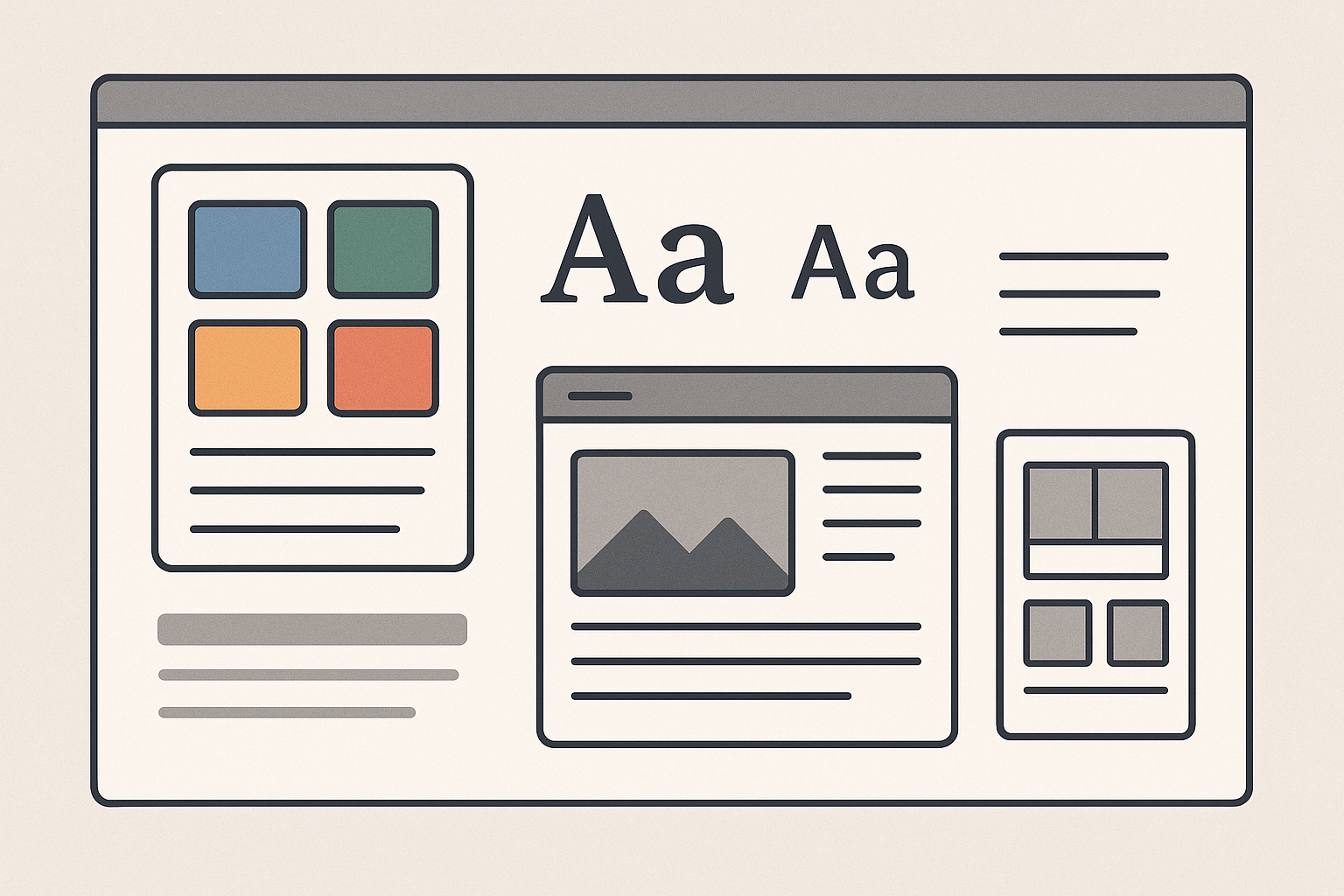
First, a WordPress theme is a collection of files that work together to create the design and layout of your website. It controls the visual appearance, including colors, fonts, page templates, and overall style. In addition, themes can add functionality such as custom widgets and menus.
Therefore, a theme acts as the skin of your website, shaping the user experience without changing the core WordPress software.
Why Are WordPress Themes Important?
At the same time, themes help you present your content in a professional and attractive way. Without a theme, your website would look plain and unorganized. Moreover, the right theme ensures your site is responsive, meaning it works well on mobile devices and desktops alike.
Also, themes can influence your website’s speed and SEO performance. For example, lightweight and well-coded themes load faster and are easier for search engines to crawl.
What Does a WordPress Theme Control?
For example, a theme controls several critical aspects of your website:
- Layout: How pages and posts are structured, including sidebars, headers, and footers.
- Typography: Font styles, sizes, and colors that improve readability.
- Color Scheme: The palette that matches your brand identity.
- Navigation Menus: How visitors move through your site.
- Widgets and Features: Extra tools like search bars, recent posts, or social media links.
In addition, many themes come with customizable options that let you tweak these elements without coding knowledge.
How to Choose the Right WordPress Theme
Next, selecting the right theme depends on your website’s purpose and goals. For instance, a blog theme focuses on readability and content display, while an eCommerce theme includes product pages and shopping carts.
To make this easier, here are some tips when choosing a theme:
- Responsive Design: Ensure the theme adapts to all screen sizes.
- Speed Optimized: Look for themes known for fast loading times.
- SEO Friendly: Choose themes built with clean code and SEO best practices.
- Customization Options: Check if the theme offers easy-to-use settings.
- Support and Updates: Prefer themes regularly updated and supported by developers.
- User Reviews: Read feedback from other users to understand pros and cons.
How to Install and Activate a WordPress Theme
Meanwhile, installing a WordPress theme is simple. You can search for free themes in the WordPress theme directory or upload premium themes you’ve purchased.
Here is a quick overview of the steps:
- Log in to your WordPress dashboard.
- Navigate to Appearance > Themes.
- Click Add New to browse themes or Upload Theme to add a downloaded file.
- Preview the theme to see how it looks.
- Click Install and then Activate to apply it to your site.
After activation, you can customize the theme using the WordPress Customizer or theme-specific settings.
Can You Change WordPress Themes Later?
Yes, you can switch themes anytime. However, because themes affect your site’s design and layout, changing them might alter how your content appears. Therefore, it’s wise to backup your site before switching themes and test thoroughly after activation.
Conclusion: Why Understanding WordPress Themes Matters
In conclusion, a WordPress theme is used for defining the look and feel of your website. It controls everything from layout and colors to fonts and navigation. Choosing the right theme improves user experience, site performance, and SEO.
For this reason, take time to explore different themes and pick one that matches your website’s goals. Then, customize it to create a unique and professional site that attracts and engages visitors.
To learn more about optimizing your WordPress site, visit AI Posts, AI SEO & AI Analytics By SKP | Skooledup.com.