
WordPress powers millions of websites worldwide, and one key reason for its popularity is the flexibility it offers through plugins. But what exactly is a WordPress plugin? In this article, we will explain what a WordPress plugin is, how it works, and why it’s essential for your website’s growth and functionality.
What Is a WordPress Plugin?
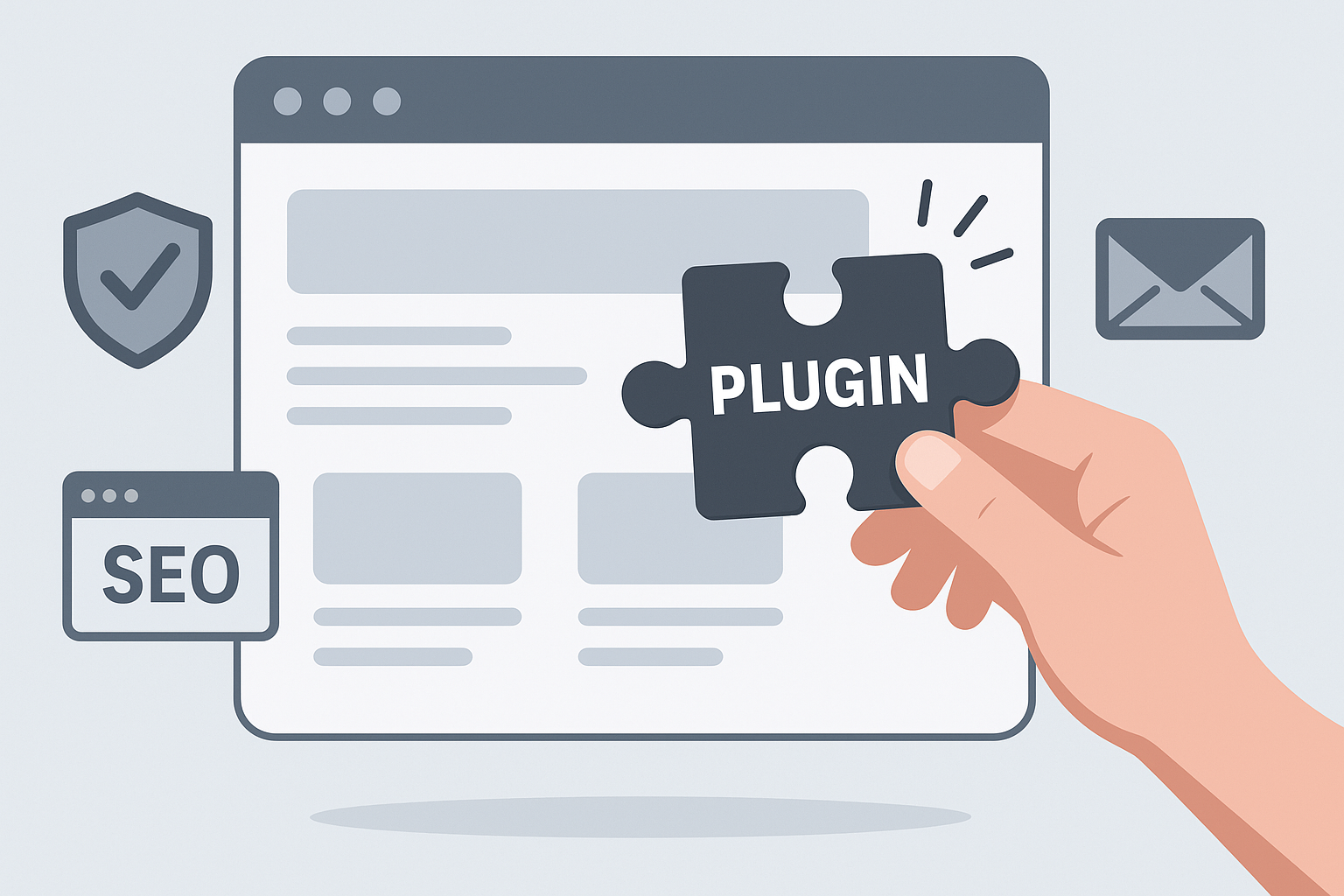
Simply put, a WordPress plugin is a piece of software that you can add to your WordPress site to extend its capabilities. It acts like an app on your smartphone, allowing you to add new features or improve existing ones without needing to code from scratch.
For example, plugins can help you add contact forms, improve SEO, boost website security, or create online stores. Because of this, they are vital tools for website owners and developers alike.
How Does a WordPress Plugin Work?
First, it’s important to understand that WordPress is built with a core set of files that handle the basic functions of your website. However, these core files are intentionally kept lightweight to maintain speed and simplicity.
Therefore, plugins work by hooking into the WordPress core, adding or modifying functionality without changing the core code itself. This is possible thanks to WordPress’s well-designed plugin architecture, which uses hooks and filters to insert or alter content and behavior.
When you install and activate a plugin, it registers its functions with WordPress. Then, whenever WordPress loads a page or performs a task, it checks if any plugins want to add or change something. As a result, plugins seamlessly enhance your site’s features.
Types of WordPress Plugins
To make this easier to understand, here are some common types of plugins you might encounter:
- SEO Plugins: Help optimize your website for search engines. For example, they can generate sitemaps or improve meta tags.
- Security Plugins: Protect your site from hackers and malware by adding firewalls, monitoring, and backups.
- Performance Plugins: Speed up your website by caching content or optimizing images.
- Design Plugins: Add visual elements like sliders, galleries, or page builders.
- E-commerce Plugins: Turn your site into an online store, managing products, payments, and shipping.
Why Use WordPress Plugins?
There are several benefits to using plugins on your WordPress site. First, they save time and money by eliminating the need to develop custom features from scratch.
Moreover, plugins allow you to customize your website to fit your specific needs. Whether you want to add social media sharing buttons or create a membership site, there’s likely a plugin available to help.
At the same time, plugins often come with regular updates and support, ensuring compatibility with the latest WordPress version and security standards.
Choosing the Right Plugins
However, not all plugins are created equal. Because of this, it’s important to select plugins carefully to avoid slowing down your site or introducing security risks.
For example, always check the plugin’s ratings, number of active installations, and update history before installing it. Additionally, limit the number of plugins you use to only those essential for your site’s goals.
How to Install and Manage Plugins
Installing a plugin is straightforward. First, go to your WordPress dashboard and navigate to the Plugins section. Then, click Add New and search for the plugin you want.
Next, click Install Now and after installation, activate the plugin. Finally, configure its settings as needed.
In addition, you can upload premium plugins purchased from third-party developers by using the Upload Plugin option.
Conclusion
In summary, a WordPress plugin is a powerful tool that enhances your website’s functionality without requiring advanced coding skills. By integrating plugins, you can customize your site, improve performance, boost security, and much more.
Therefore, understanding how plugins work and choosing the right ones is essential for building a successful WordPress site. To explore more about optimizing your website, consider reading our guides on SEO and website analytics available at Skooledup.com.
Ready to enhance your WordPress site? Start exploring plugins today and unlock your website’s full potential!