
If you work in WordPress often, you already know that tags can help organize content, improve internal structure, and make it easier to group related topics. However, adding tags one post at a time can get old fast. It slows down your workflow, especially when you are managing many posts at once.
You can get this tool with the SKP AI Assistant. Learn more about the AI Assistant by clicking here.
download the SKP AI Assistant now by clicking here!
New Tag Tool Video
That is exactly why we built our new tag tool.
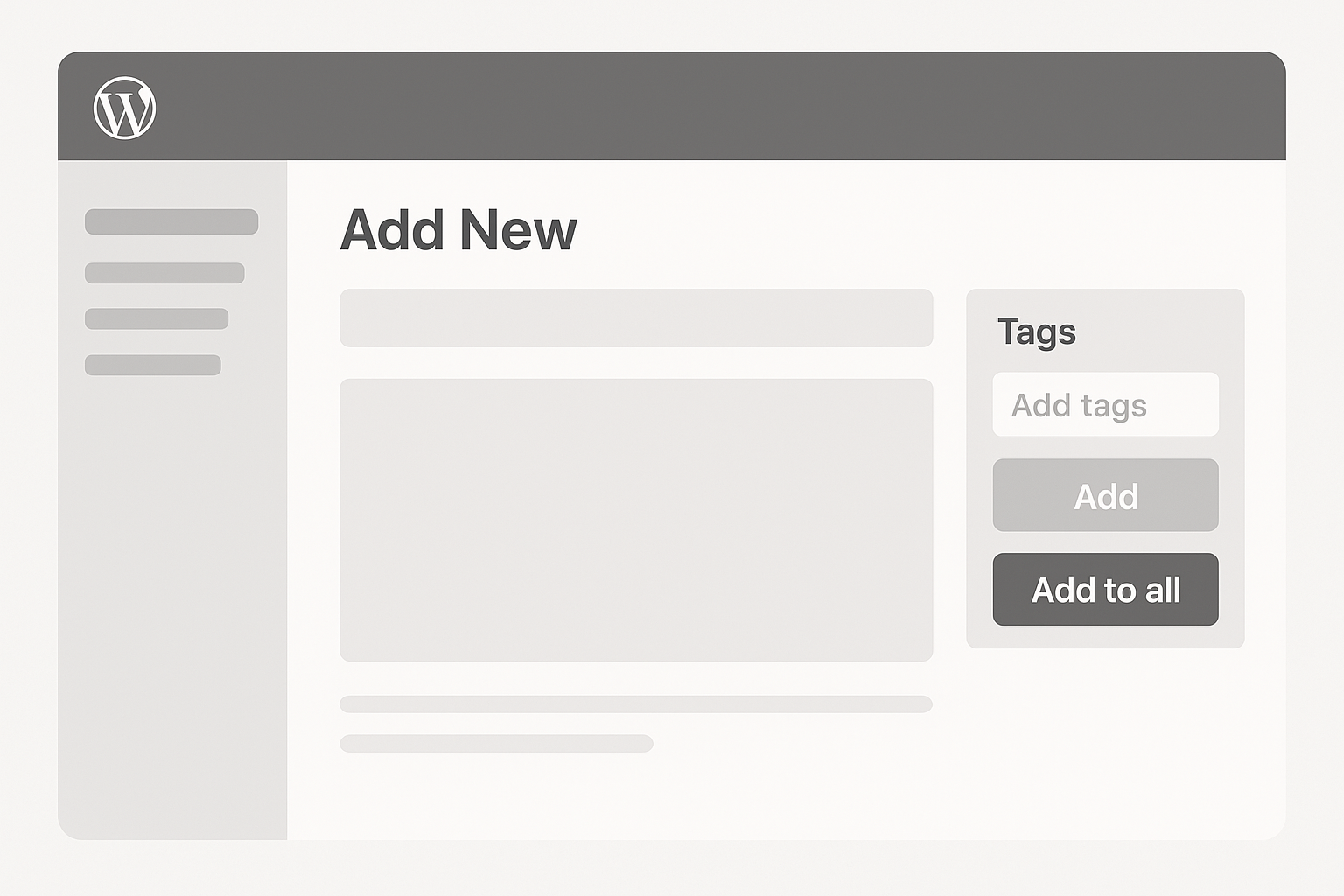
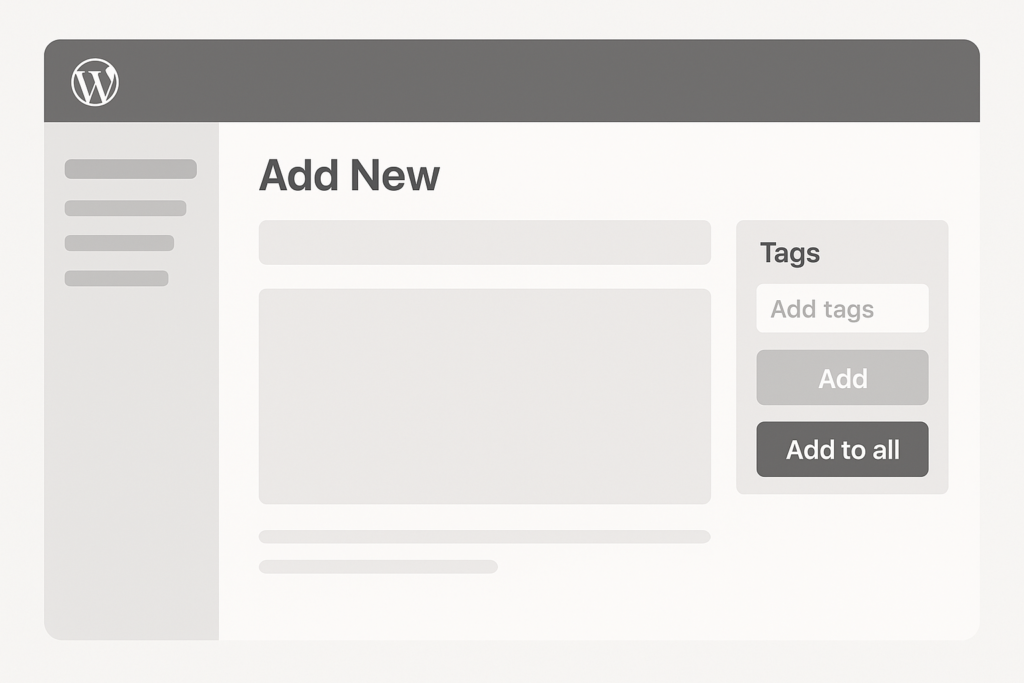
Now, instead of opening each post one by one, you can go straight to your Posts dashboard in WordPress, select the posts you want, type in your tags, and apply them in bulk. As a result, your workflow gets faster, cleaner, and far more practical.
What the New Tag Tool Does
The new tag tool adds a bulk tag option directly inside the WordPress posts dashboard. This means you can:
- select multiple posts at once
- type one or more tags into a simple field
- apply those tags to the selected posts instantly
- create new tags on the fly if they do not already exist
In other words, the tool removes extra steps. You no longer need to jump into each post editor just to handle something as simple as tagging.
You can get this tool with the SKP AI Assistant. Learn more about the AI Assistant by clicking here.
download the SKP AI Assistant now by clicking here!
Why This Matters
Tags are small, but they can make a big difference when you are managing content at scale.
For example, maybe you are publishing a group of posts about:
- WordPress plugins
- SEO tools
- site speed
- blogging tips
- WooCommerce features
Without a bulk tag system, you would need to open each post, scroll around, add the tags manually, save, and repeat the process again and again. That is not a good use of time.
Now, you can simply check the posts you want, enter the tags, and move on.
Built for Speed
The main goal of this tool is speed.
When you are running a real website, every extra click adds up. Therefore, even a small improvement in workflow can save a lot of time over weeks and months.
With this new tag tool, you can organize older content faster, clean up newer content faster, and keep your tagging system more consistent across your site.
That means less manual work and more time spent writing, optimizing, or building.
You can get this tool with the SKP AI Assistant. Learn more about the AI Assistant by clicking here.
download the SKP AI Assistant now by clicking here!
Better Organization Across Your Site
Tags help group similar content together. Because of that, they can make your site easier to manage from the admin side.
For example, if you publish several posts about WordPress themes, plugins, SEO, and blogging, tagging those posts properly gives you a better way to keep your content organized.
Instead of relying only on categories, tags give you another layer of structure. That extra structure becomes even more useful as your content library grows.
Easier Bulk Cleanup for Older Content
Many site owners have older posts with weak tagging, inconsistent tagging, or no tags at all. Fixing that manually can feel overwhelming.
This tool helps solve that problem.
Now you can go through older posts in batches and apply relevant tags in seconds. As a result, it becomes much easier to clean up your archive and make your content system more consistent.
That is especially useful if your site has been growing for a while and you want to improve your backend organization without wasting hours.
You can get this tool with the SKP AI Assistant. Learn more about the AI Assistant by clicking here.
download the SKP AI Assistant now by clicking here!
Create Tags Without Leaving the Dashboard
One of the most useful parts of this new feature is that it can create tags as you go.
That means if you want to add tags like:
- WordPress SEO
- AI blogging
- WooCommerce setup
- plugin development
you can just type them in and apply them. If they already exist, the tool uses them. If they do not exist, it creates them.
So, instead of stopping your workflow to go create tags elsewhere, you can handle everything in one place.
A Simpler Workflow for Real Site Owners
This feature was built for people who actually manage websites, not just people testing things in a perfect demo environment.
Real websites have a lot of moving parts. You may be publishing blog posts, editing product pages, updating content, optimizing SEO, and managing plugins all in the same session. Because of that, tools need to be practical.
This tag tool is practical.
It does not try to overcomplicate the process. Instead, it gives you a simple way to do an important task faster.
You can get this tool with the SKP AI Assistant. Learn more about the AI Assistant by clicking here.
download the SKP AI Assistant now by clicking here!
Great for Content Teams Too
This is not only helpful for solo site owners. It can also help teams.
If several people are working inside a WordPress site, consistent tagging becomes even more important. Otherwise, one writer may use one tag format, while another person uses something completely different.
By giving everyone a faster bulk method, the tagging process becomes easier to standardize. That can lead to cleaner content organization across the whole site.
Why We Built It
We built this tag tool because WordPress users need faster admin workflows.
A lot of website work is repetitive. Therefore, any feature that cuts down on repeated clicks can improve the overall experience. We wanted a solution that worked directly inside the posts dashboard, felt natural, and saved time immediately.
That is exactly what this tool does.
You can get this tool with the SKP AI Assistant. Learn more about the AI Assistant by clicking here.
What else can SKP AI SEO do?
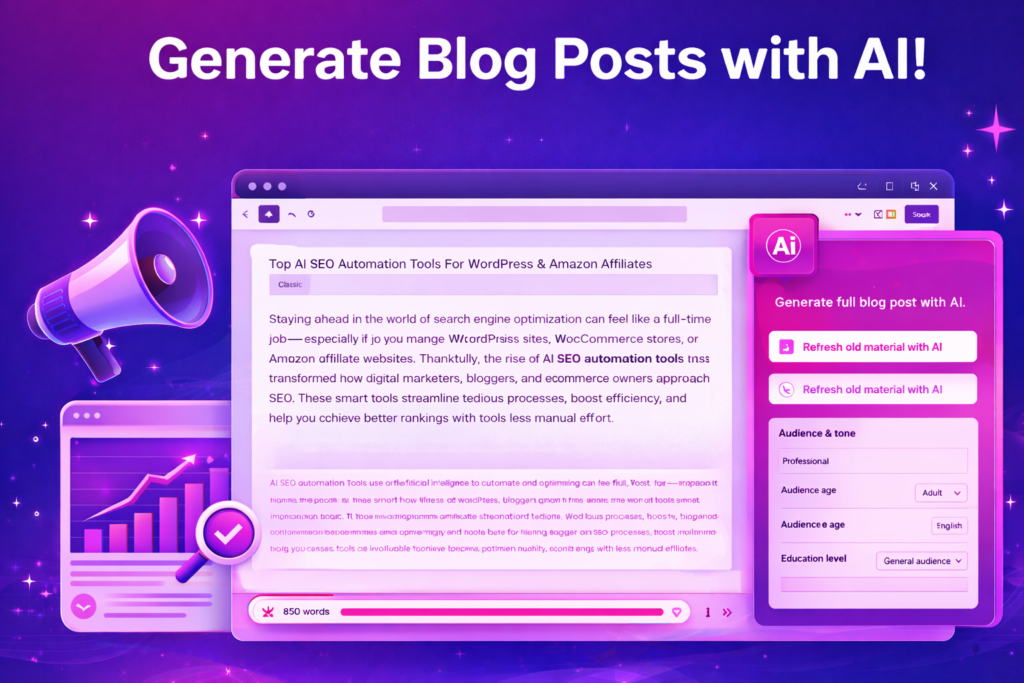
- Generate, translate, and refine, short, medium, or long blog posts, in 20 different languages, directly in your WordPress post editors.
- Create presets for your posts so you don’t have to mess with the options every time. Options are shown in the videos below.
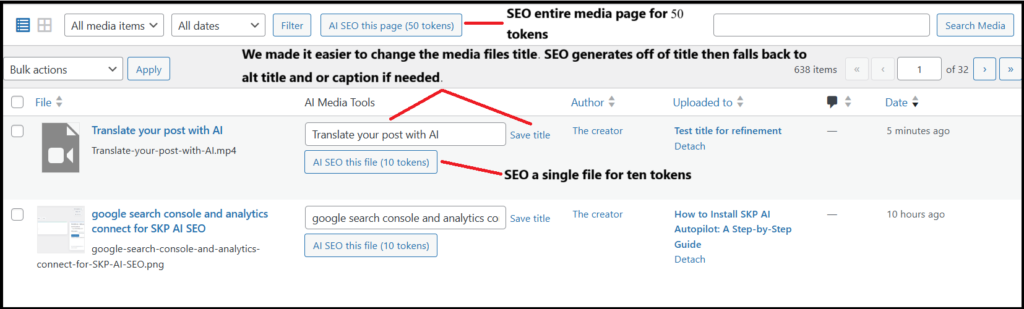
- Our AI SEO software automatically adds SEO to your posts, images, media files, products, and tags.
- Connect to your Google search console and Google analytics to get AI generated advice, stats, and metrics, including longtail keywords to create next based on your current rankings on specific terms.
download the SKP AI Assistant now by clicking here!
Register for a free account by clicking here.
Easy Affiliate posts
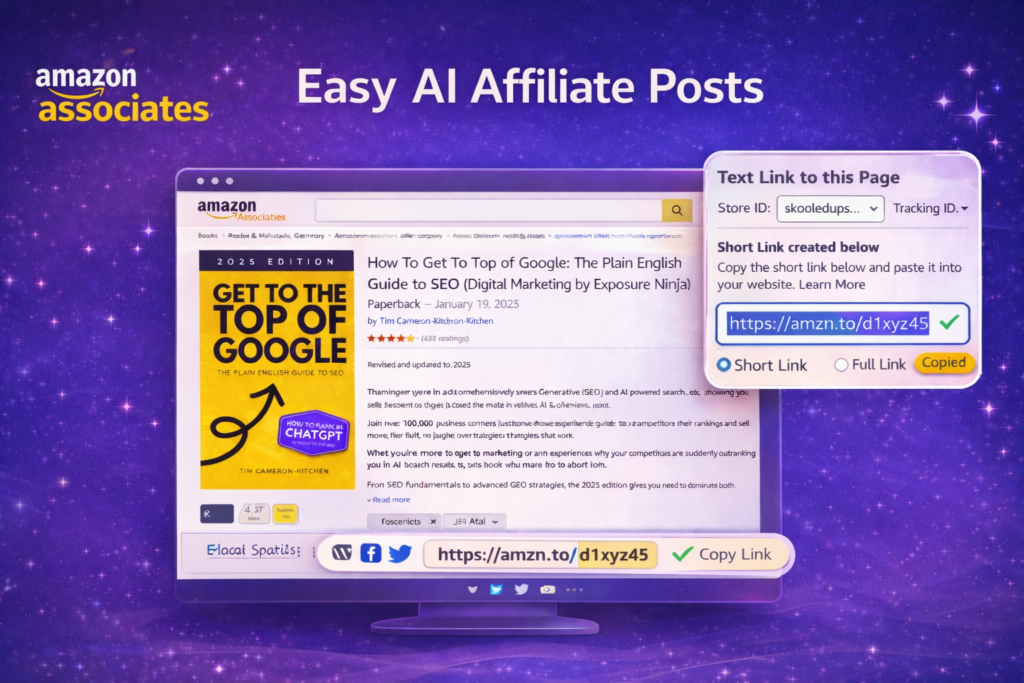
Just insert your affiliate short link and click generate. Our software automatically pulls the title and the first image of the affiliate link and generates a post based on the product information. SKP AI SEO software automatically inserts SEO information and tags.
AI Images
Generate AI images directly in your editors based on the post. he image to the right was generated with one click. The post was the prompt.
Learn more about SKP AI SEO by click here. Purchase now to start saving time and money.