
If you’re a game developer, pixel artist, or hobbyist looking for cheap sprite maker software, you’ve come to the right place. Creating sprites for games and digital projects can be expensive if you opt for premium tools, but there are many affordable options that deliver excellent results without breaking the bank. Use the tool by clicking here!
In this article, we’ll explore some of the best budget-friendly sprite maker software available today. Whether you’re just starting out or need a reliable tool for your pixel art needs, these options will help you create high-quality sprites efficiently.


What to Look for in Cheap Sprite Maker Software
Before diving into specific tools, it’s important to understand the key features that make a sprite maker software valuable, especially when working with a limited budget. Here are some factors to consider:
- User-friendly interface: A clean and intuitive design reduces the learning curve, letting you focus on creating.
- Pixel editing tools: Essential features like pencil, eraser, color picker, and layers improve precision.
- Animation support: Ability to create frame-by-frame animations is a big plus for game sprites.
- Export options: Support for common formats like PNG, GIF, or sprite sheets is crucial for game development.
- Cross-platform compatibility: Software that works on Windows, macOS, or Linux offers more flexibility.
- Community and tutorials: Access to learning resources and user communities can help you improve faster.
Top Cheap Sprite Maker Software Options
Here are some of the leading sprite creation tools that combine affordability with powerful features.
1. SKP Sprite cutter
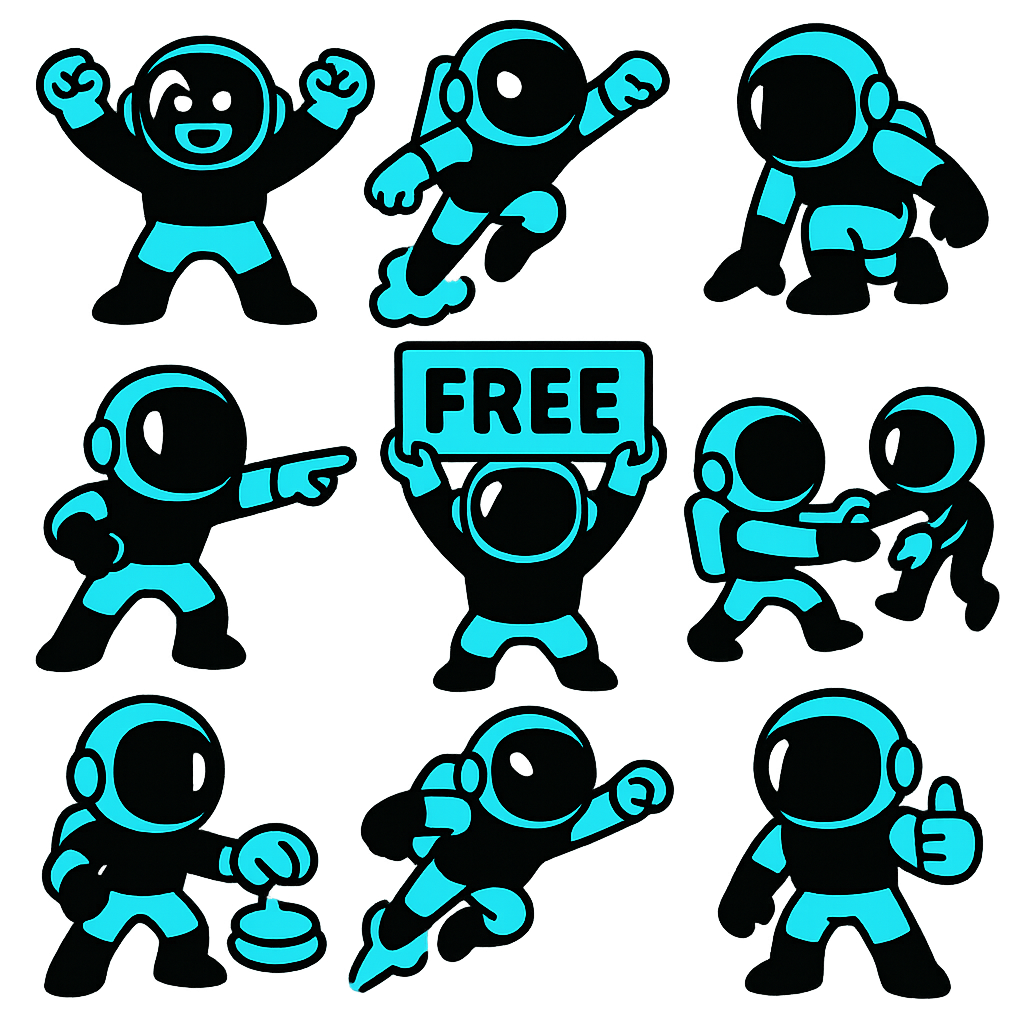
The SKP sprite cutter is a user-friendly, in-browser tool designed for easy sprite and sticker pack editing. Best of all, it’s completely free to use. The tool offers a variety of options that help you cut your sprites or sticker packs quickly and efficiently. Additionally, you can create a free account to access more features and even make your own sticker packs.
While many of the basic tools are available at no cost, access to the sticker and asset generators requires a membership. Membership plans for these generators start at just $5 per month and go up to $20 per month, depending on your needs. All AI-powered features operate on a token system, with more features and updates on the way.
If you’re interested in exploring further creative tools, you can try out our coloring book creator as well.

Visit SkooledUp.com for more pixel art tips and tools.
2. Aseprite
Aseprite is a popular pixel art tool that balances affordability with professional features. While it is not free, its one-time purchase price is reasonable compared to many graphic design suites.
- Advanced animation timeline and layers
- Custom brushes and palette management
- Export sprite sheets easily for game engines
This software is perfect if you want a mix of power and value in your sprite creation workflow.
3. GraphicsGale
GraphicsGale is a Windows-only program known for its robust animation tools and pixel art features. It offers a free version with many capabilities and a low-cost full version.
- Supports frame-by-frame animation
- Palette control and color cycling
- Export options include animated GIFs and sprite sheets
4. Pixilart
Pixilart is another free online pixel art editor with a strong community aspect. It’s ideal for beginners who want to create and share sprites quickly.
- Browser-based with no installation needed
- Live community gallery and social features
- Basic animation support
Tips for Creating Quality Sprites on a Budget
Using cheap sprite maker software doesn’t mean you have to compromise on quality. Here are some tips to get the most out of your tools:
- Start simple: Begin with small canvas sizes and limited colors to master pixel placement.
- Use layers wisely: Organize your sprite parts on different layers for easier editing.
- Leverage animation features: Use onion skinning and frame duplication to create smooth animations.
- Explore tutorials: Many free resources and communities can help you improve quickly.
- Export correctly: Choose the right file formats and optimize sprite sheets for your game engine.
Why Choose Affordable Sprite Maker Software?
Affordable or free sprite maker software lowers the barrier to entry for game developers and digital artists. It allows you to experiment, learn, and create without a large upfront investment. Many budget tools also receive regular updates and community support, making them viable long-term options.
For those just starting or working on indie projects, these options provide all the essentials needed to build impressive 2D art assets.
Conclusion
Finding the right cheap sprite maker software depends on your specific needs, platform, and budget. Whether you choose a free online editor like Piskel or a low-cost professional tool like Aseprite, you can create beautiful pixel art and animations without overspending.
Explore the options mentioned above and start crafting your sprites today. For more advice on game design and pixel art, visit SkooledUp.com to access guides and tutorials tailored for creators at every level.