
Creating coloring pages should feel fun. However, the “old way” is slow. You have to sketch, clean lines, resize for print, and fix weird edges over and over.
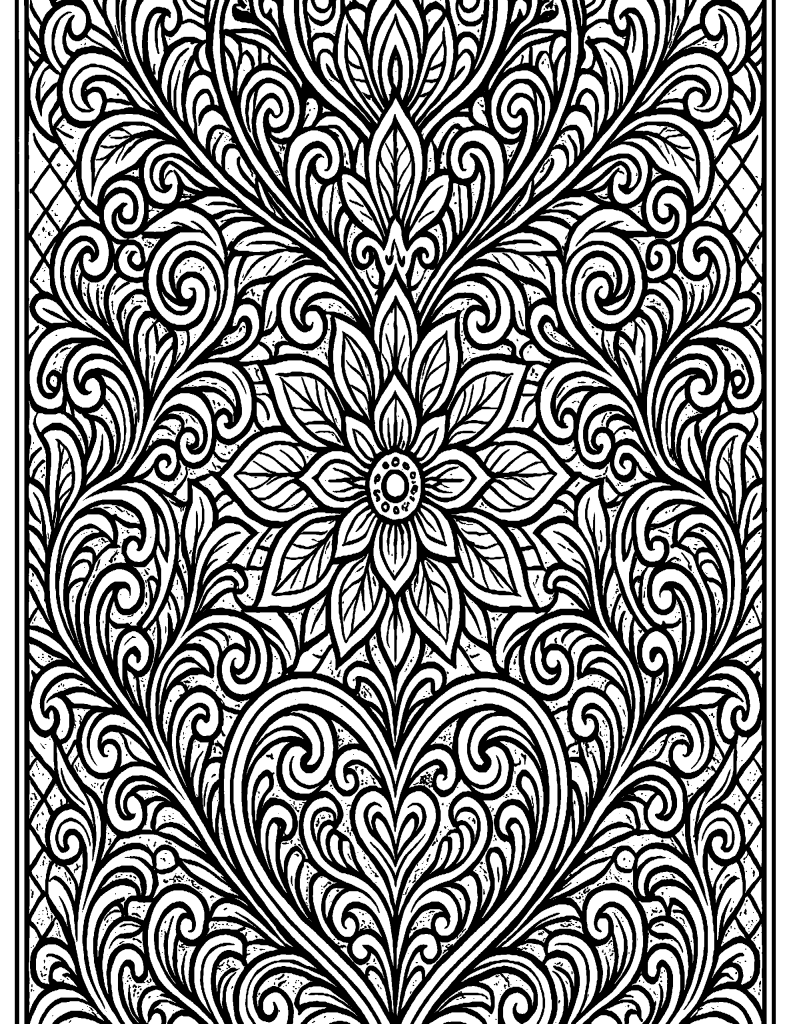
Coloring pages made with our AI generator
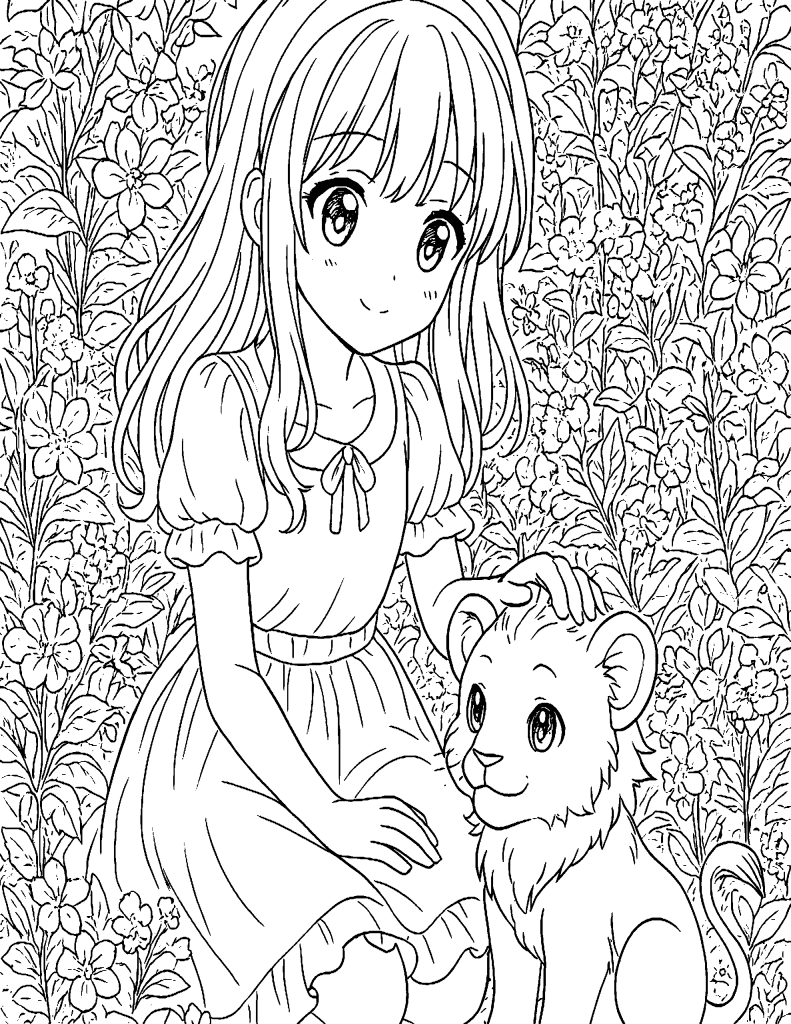
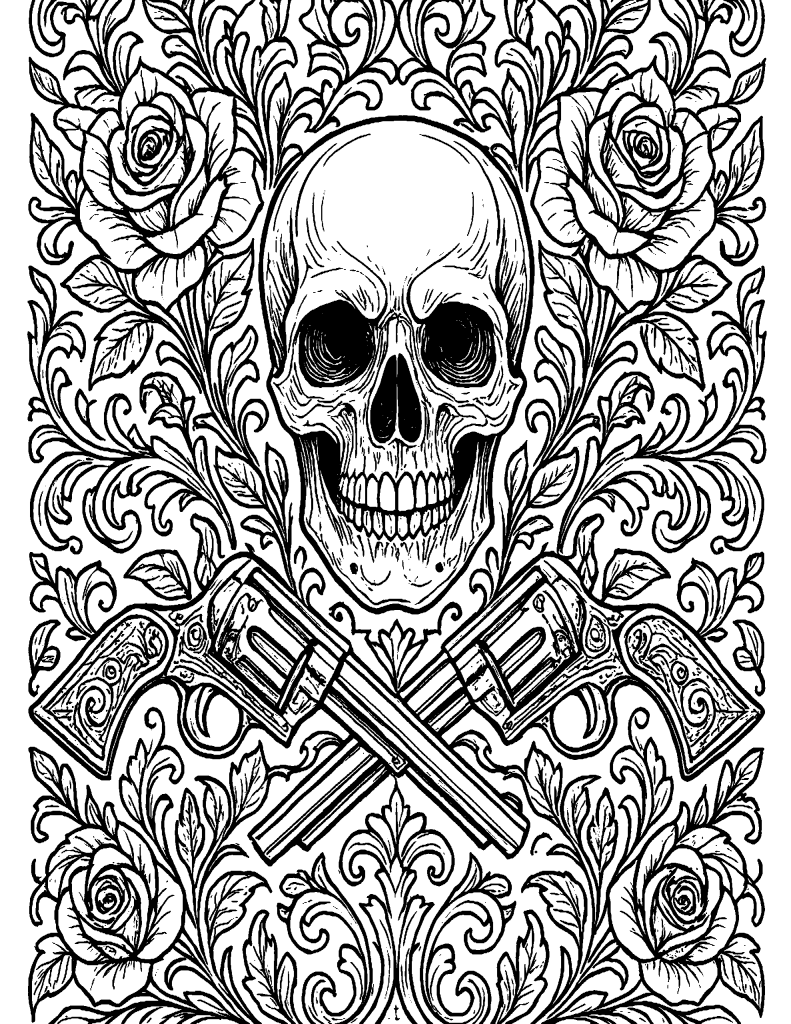
That’s why we built the AI Coloring Book & Page Lab on Skooledup.
It helps you generate single coloring pages or a full coloring book with a front cover, inside pages, a back cover, and an optional notes/copyright page—then it builds everything into a finished PDF.
How tokens work (simple and predictable)
Inside the lab, you’ll see a clear token system:
- Refine with AI: 10 tokens per refinement
- Generate Coloring Page / Add Inside Page: 50 tokens
- Generate Front Cover (full color): 100 tokens
- Generate Back Cover (full color): 100 tokens
- Build Coloring Book PDF: 150 tokens
You can also buy more tokens or earn free tokens right from the lab UI.
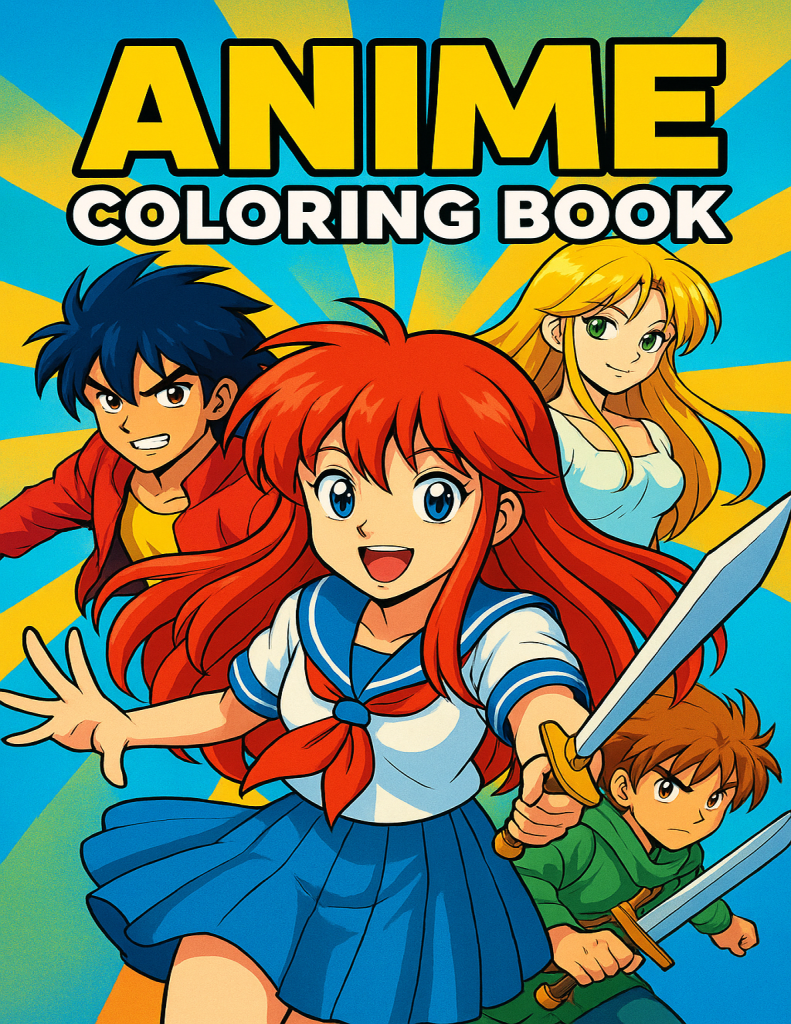
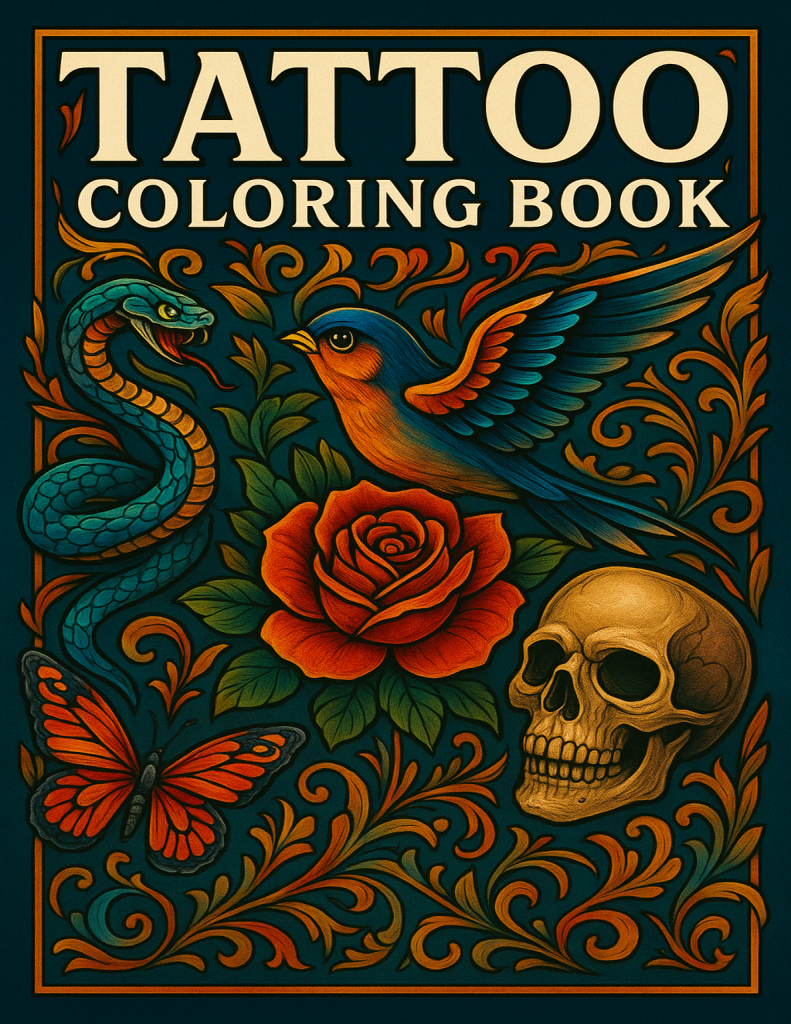
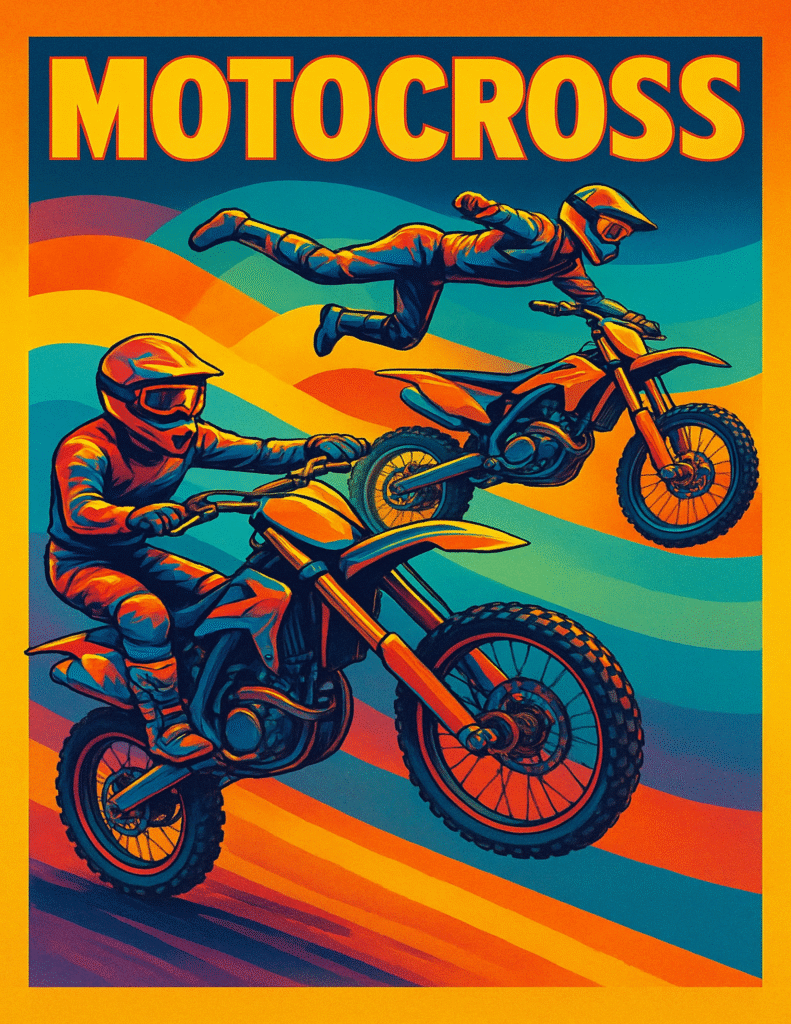
Book covers made with our generator
Two main modes
1) Single Coloring Page
This mode is perfect when you want one printable page fast.
You choose:
- Age level (or “Let AI choose”)
- Detail level (Simple → Ultra intricate)
- Line thickness (Thin → Bold)
- Orientation (Portrait/Landscape)
- Page size (US Letter 8.5×11, A4, Square)
Then you type what you want the page to show (example shown in the lab: “Friendly dragons playing in a meadow”), refine if needed, and generate.
2) Full Coloring Book
This is where the lab becomes a real book builder.
You generate:
- A full-color front cover
- Multiple inside pages (line art)
- A full-color back cover
- Optional notes/copyright page
- Then a full PDF coloring book
Book Builder Controls: how a full book is built
Here’s the exact flow the Book Builder uses.
Step 1: Create the Front Cover (Full Color)
You’ll fill out three main inputs:
- Book Title
Example shown in the lab: “Dragon Dreams: Fantasy Coloring Adventure” - Art Style (optional)
This is where you can say “cute,” “dark fantasy,” “kawaii,” “manga,” and so on. - Front cover prompt notes
You can describe the layout, main character, scenery, vibe, and composition.
Then you can:
- Refine with AI (10 tokens each time)
- Toggle Enforce vibrant full-color artwork for the front cover
- Click Generate Front Cover (100 tokens) or Upload Front Cover from Library
Step 2: Add Inside Pages (Line Art)
Inside pages are where the actual coloring happens.
You’ll enter:
- What should this page show? (the scene prompt)
- Optional extra notes like patterns, background elements, and layout hints
Then you can:
- Refine with AI (10 tokens)
- Click Add Inside Page (50 tokens) or Upload Inside Page from Library
You can repeat this step as many times as you want to build a full book.
Step 3: Create the Back Cover (Full Color)
The back cover is simple, but powerful for a real product feel.
You write:
- Back cover prompt notes (short blurb vibe, layout ideas, textures, small icons, etc.)
Then you can:
- Refine with AI (10 tokens)
- Toggle Enforce vibrant full-color artwork for the back cover
- Click Generate Back Cover (100 tokens) or Upload Back Cover from Library
Step 4: Optional notes / copyright page
If you want your book to look legit (and protect your work), add the notes page.
The lab even gives you formatting tips:
- Start lines with Author:, Notes:, or Copyright:
- It will stay simple and clean in the PDF
Step 5: Build the Coloring Book PDF
Once you have your cover + pages + back cover, you click:
Build Coloring Book PDF (150 tokens)
You’ll see the Live Preview & Build Status, plus a book assembly summary that tracks what you’ve generated so far.
Go beyond “just generating”: sell the book (optional)
If you want to monetize, Skooledup includes a built-in path to publish your coloring book as a product.
Inside the lab you’ll see:
- Become a Vendor
- A Create Coloring Book Product modal that attaches the ZIP + cover automatically
- Vendor details like the 5% marketplace fee and a $5 max price cap
So you can go from idea → PDF → product without juggling five different tools.
Why creators like this workflow
- You can start simple (single page) and scale into full books.
- You control style, detail, and print settings from the start.
- You can refine prompts without wasting a full generation.
- You can generate covers in full color, but keep inside pages as clean line art.
- You can build a complete PDF book inside one tool.